Testing three free models for text analysis
I tested three language models run via the free NVIDIA Free Endpoint: z-ai/glm-5.2, deepseek-ai/deepseek-v4-pro, and google/gemma-4-31b-it. All of them are free, but in practice, they run noticeably slower than commercial APIs. This is palpable, making book writing take significantly longer. However, spending a little extra time on analysis is perhaps not a big issue.
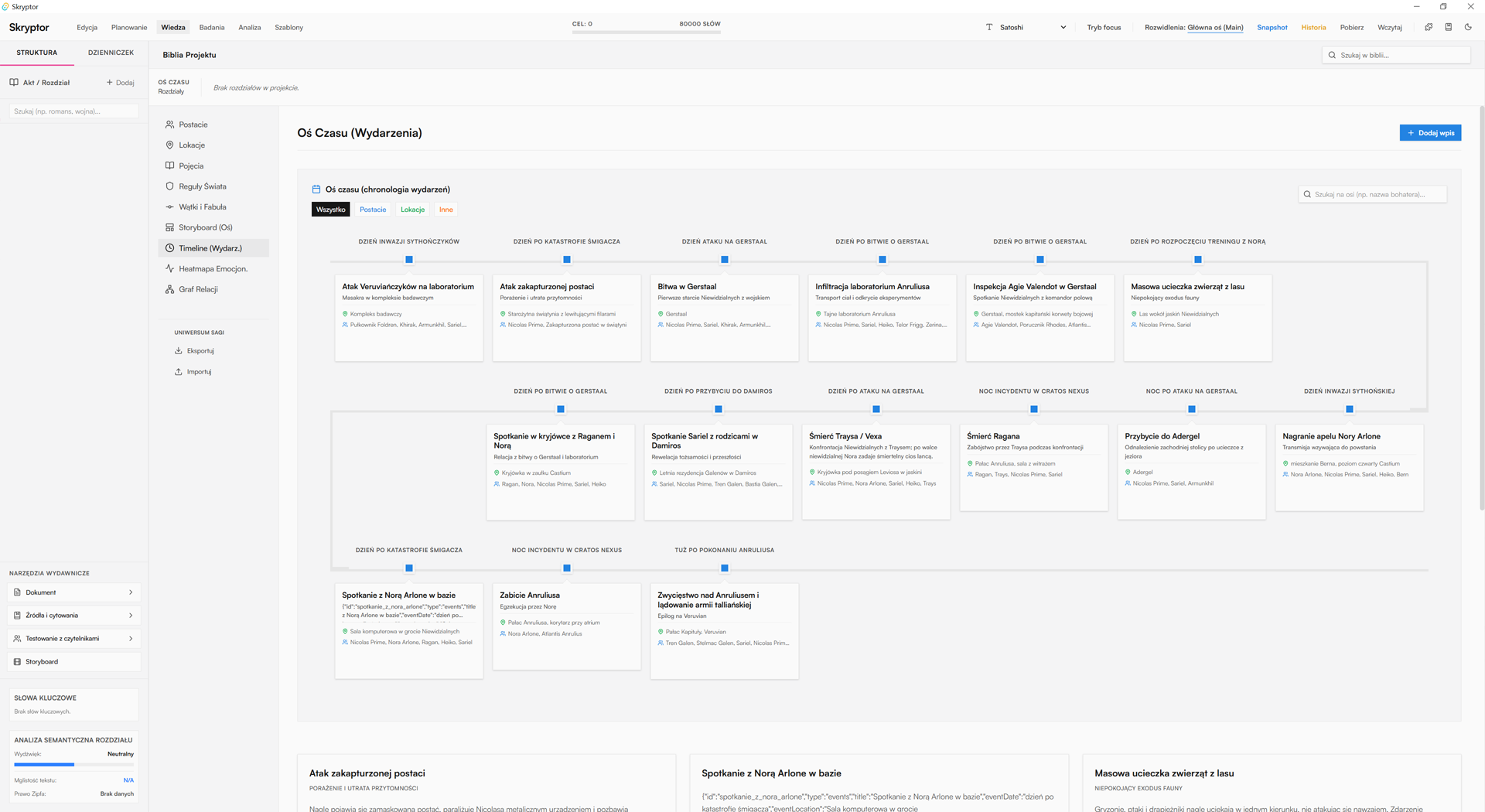
The test involved a short excerpt of a sci-fi novel (5 chapters) and covered text structure analysis: extracting characters, locations, concepts, world rules, plots, and the storyline, along with generating a storyboard, timeline, and relationship graph exactly as shown in the screenshot. Such a division of tasks demonstrates whether the model understands not only the language but also the narrative and the dependencies between the elements of the presented world.
Test results
Gemma performed best: it was closest to the ideal result and the fastest in practical use. DeepSeek was completely unsuitable for analyzing Polish text, and GLM only did it "half-heartedly" — you could get something out of it, but the quality was clearly below expectations. As per general descriptions of language models, such differences often stem from the data the model was trained on and how well it was fine-tuned for the Polish language.
In the time test, Gemma also won: it analyzed 5 chapters in under 5 minutes, leaving the other models far behind. This is important because when working with longer texts, it's not just the quality of the answer that matters, but also the throughput of the entire analytical pipeline. In Polish applications, similar logic is emphasized by materials about native models, which highlight the need to better handle grammar, context, and the specific nature of the Polish language.
How to get an API from NVIDIA?
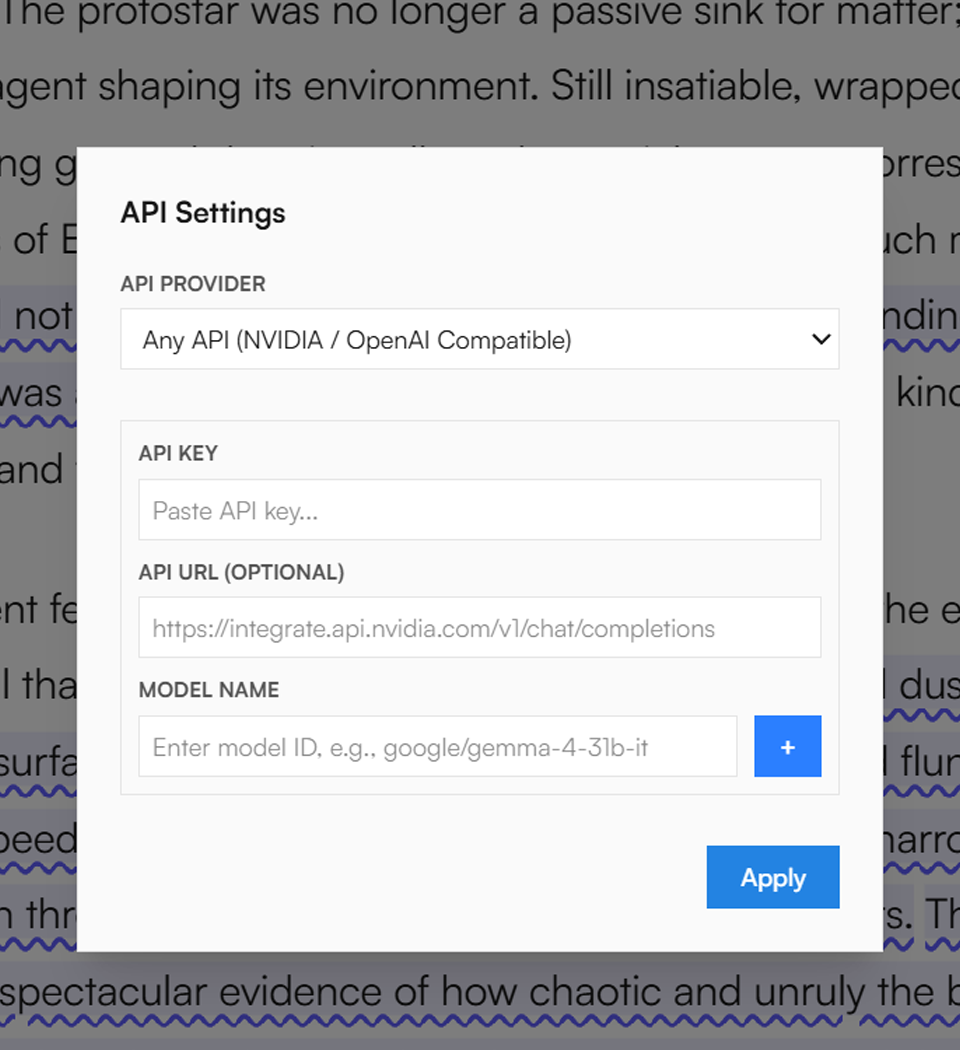
- Go to https://build.nvidia.com/models
- Register, then select one of the models from Free-Endpoint that you prefer
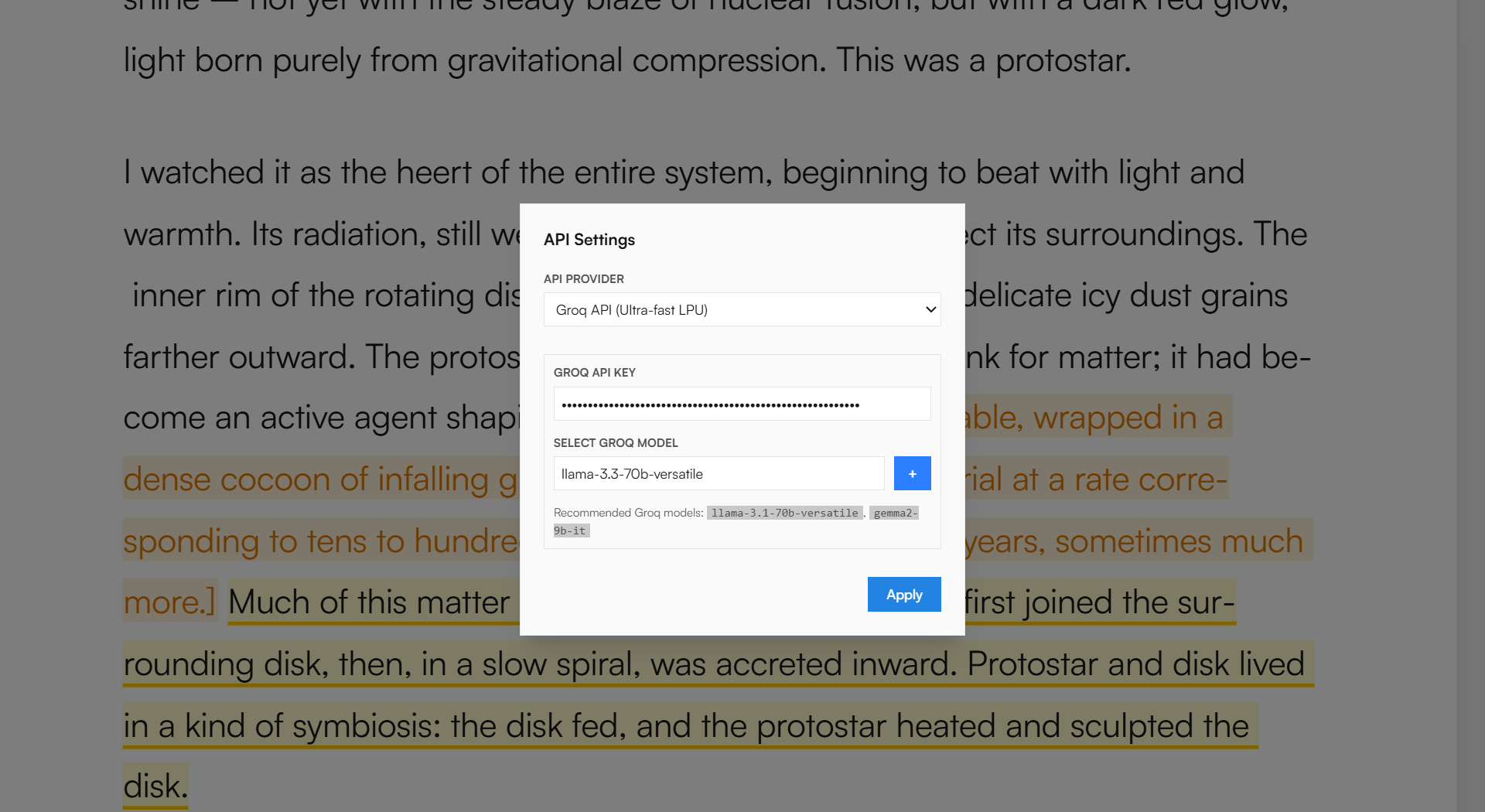
- Generate an API key, then paste it into Skryptor, providing the full model name — it's very important for the code :)
Text as a world model
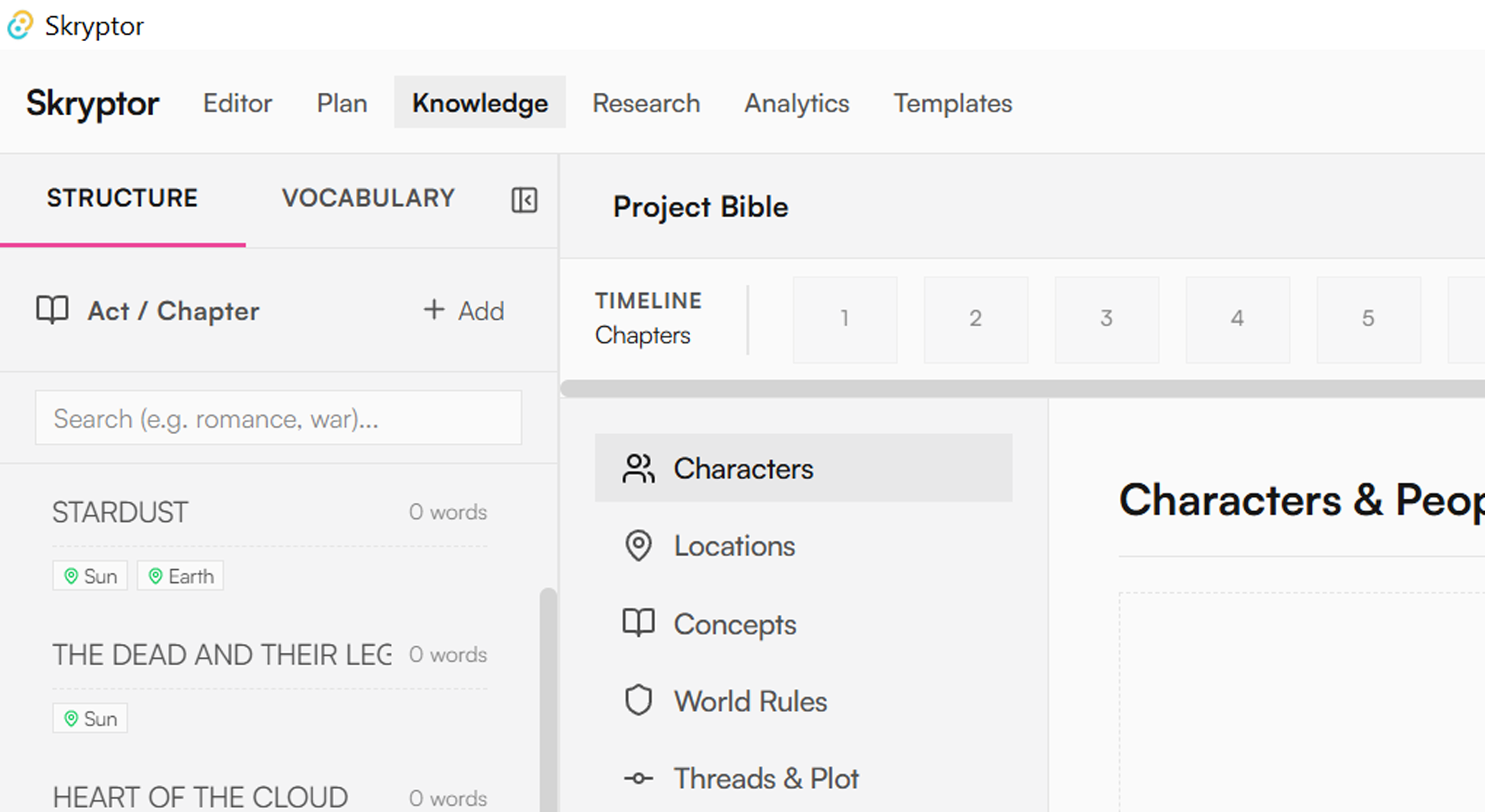
At the center stands the World Bible, the internal encyclopedia of the project. Here the author organizes characters, locations, items, and general lore, and the whole thing is tied to the timeline and relationship graph.
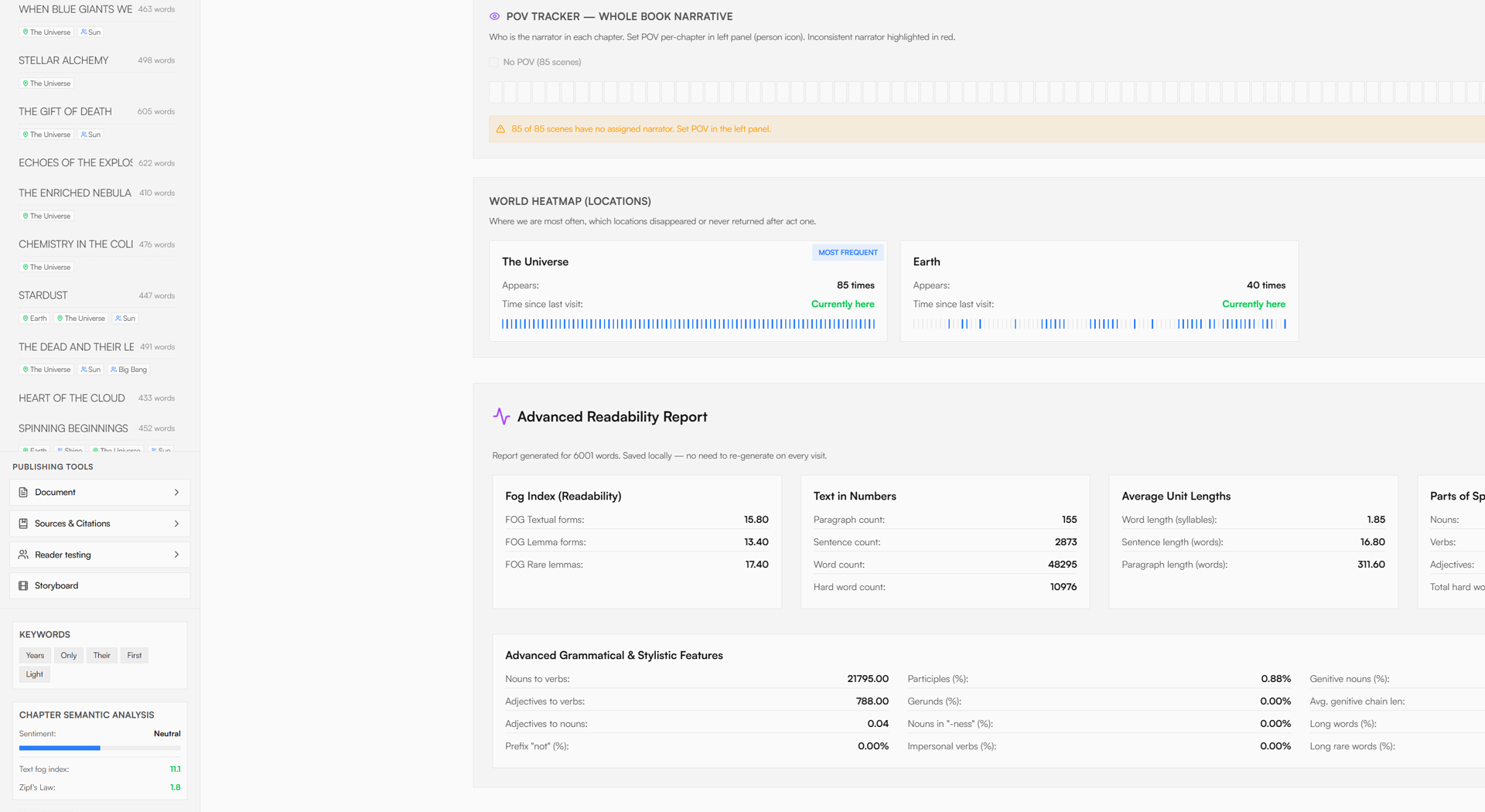
Thanks to this, the book stops being just a text to write and becomes a data model that can be navigated consciously, allowing entries to be added and edited. If the presented world has its own rules, history, politics, or technology, Skryptor is a place where these elements do not get lost in loose notes, but function as part of a single system.
Timeline and relationship graph
The whole thing is tied together by the AI Chat and Book Memory, powered by LightRAG. This is an important detail, as it means the assistant does not operate in a vacuum and does not answer solely based on the current paragraph, but has access to knowledge about the entire book.
In practice, this means you can ask semantic questions to your own book: about meaning, dependencies, previous mentions, connections, or consequences of changes. This working model is closer to talking with an editorial partner than classic prompting of a model. The assistant not only generates an answer but does so in the context of a specific world, specific characters, and a specific story.
AI that supports your craft
The most important thing is that the AI in Skryptor was not conceived as a flashy generator. Its role is more craft-oriented: it is meant to support the author in maintaining control over the material, reduce cognitive chaos, and accelerate catching errors that almost inevitably appear in long-form writing.
This approach is more mature than a simple [write it for me]. Skryptor does not replace or take away the creative process from the author, but enhances their memory, attention, and ability to manage a complex text structure. That's why the AI in this tool is an integral part of the writing environment.
News / Devlog
Local first
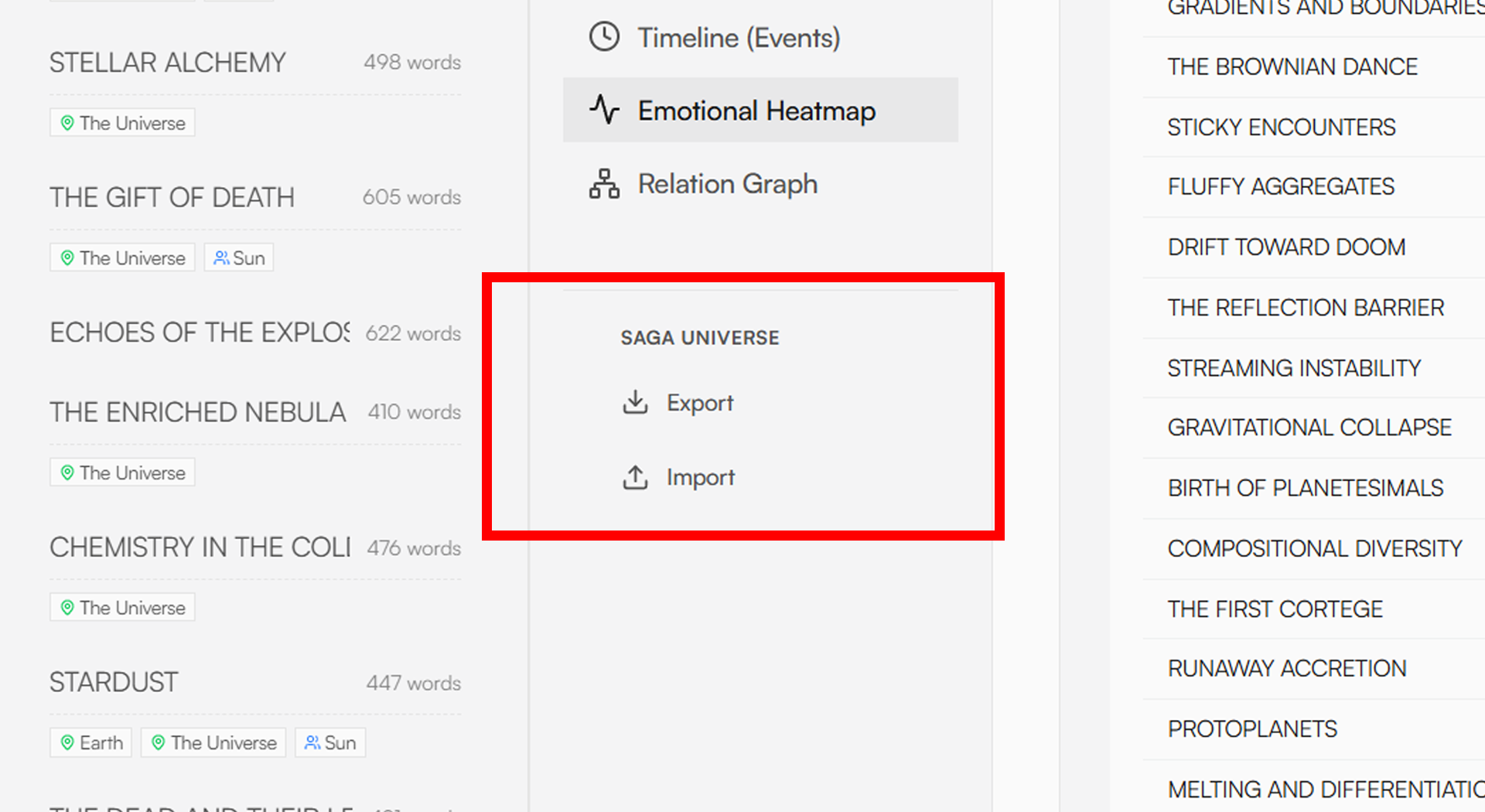
Skryptor keeps your book on your drive, not in the cloud
More and more writing tools operate [somewhere in the cloud]. It's convenient, but if you're writing something bigger than a blog post, like a novel, book series, or screenplay, then the issue of privacy ceases to be abstract. Skryptor goes in the opposite direction; as much as possible happens locally, on your computer.
Analytical modules, plot inspectors, and AI chat with book memory run locally; if you run into VRAM issues, you can start over. This means that:
- heavy plot analysis does not require uploading the manuscript to an external API,
- you can safely work on sensitive texts (e.g., non-fiction, documents),
- you control when and what, if anything, leaves your drive.
For authors who sign NDAs or work on licensed universes, this is often an entry condition rather than just a nice addition.
Universe Export has another interesting feature. When you finish writing the first volume of a book, make an export, then import all the gathered knowledge into the next volume.
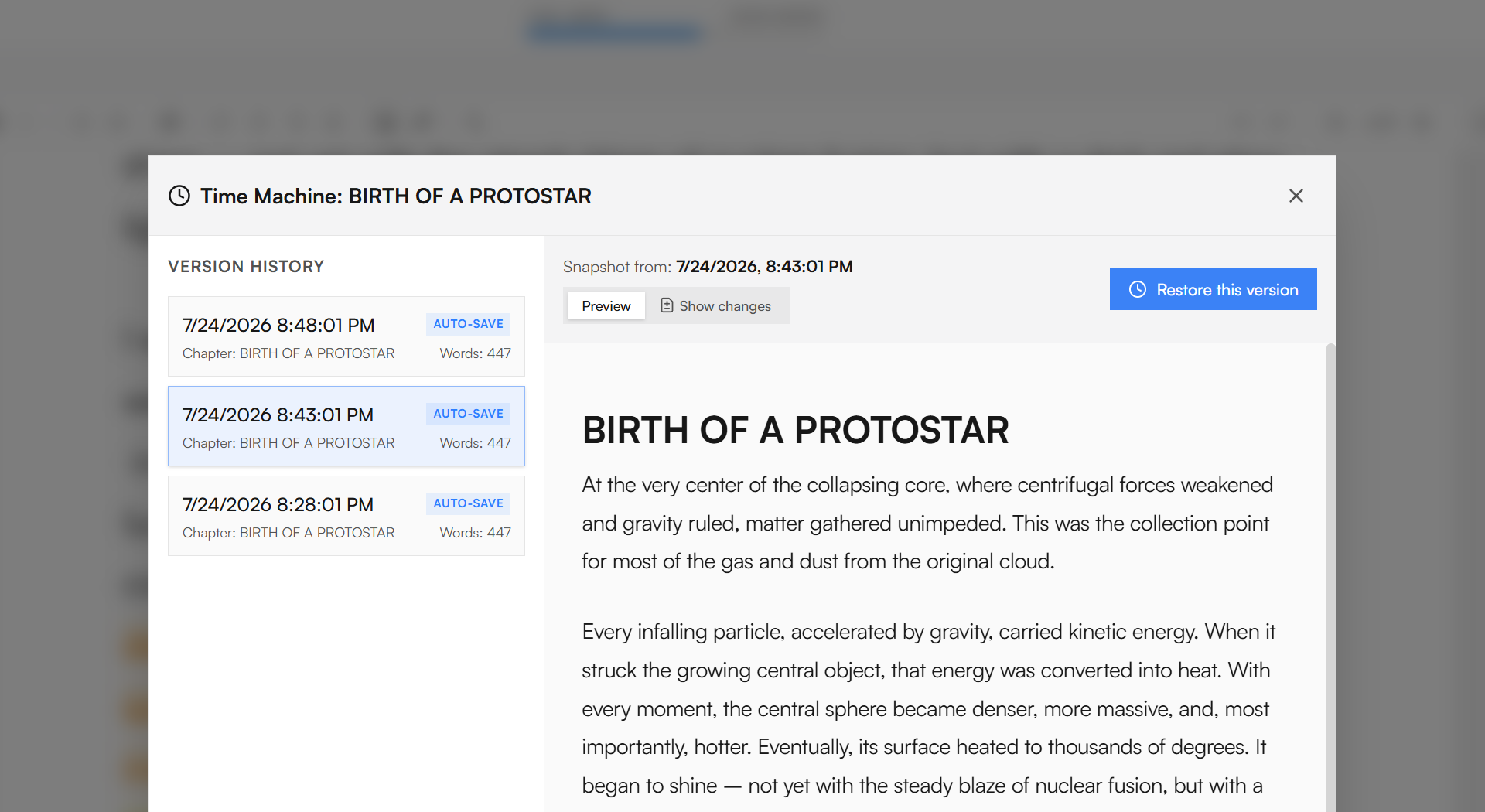
Writer's backups
Instead of relying on magical autosave, Skryptor gives you a Time Machine (Snapshots) – conscious snapshots of all chapters at the exact same moment. Then you can:
- take snapshots before a major rewrite,
- observe changes, compare, and choose the version you want,
- return to a specific project state when an experiment fails.
Combined with the native .skryptor format (which contains structure, notes, and the World Bible), you have a full project archive in a single file that you can keep in your cloud, on an external drive, or in a safe.
These safeguards allow you to not only manage book instances but also set clear data security rules according to the Local First philosophy. This allows you to have a modern text-analyzing tool without relinquishing control over your material. Skryptor turns your computer into a private writing studio rather than a client endpoint for someone's server.
News / Devlog
Skryptor for pantsers
Quick start without unnecessary planning
If you write mainly [by the seat of your pants], the most important thing is that the tool shouldn't put too many steps in front of you before you see a blank page. In Skryptor, you can practically enter the workspace immediately, treat the left panel as something you'll deal with later, and simply start writing – without forcing a plan, templates, and a formal project structure.
A scratchpad that turns into tasks itself
A scratchpad note in square brackets automatically goes to the To-Do list in the right panel, so you don't have to interrupt the scene to record things to check. You jot down a thought on the fly, and the app itself turns it into a task that you can return to whenever you want.
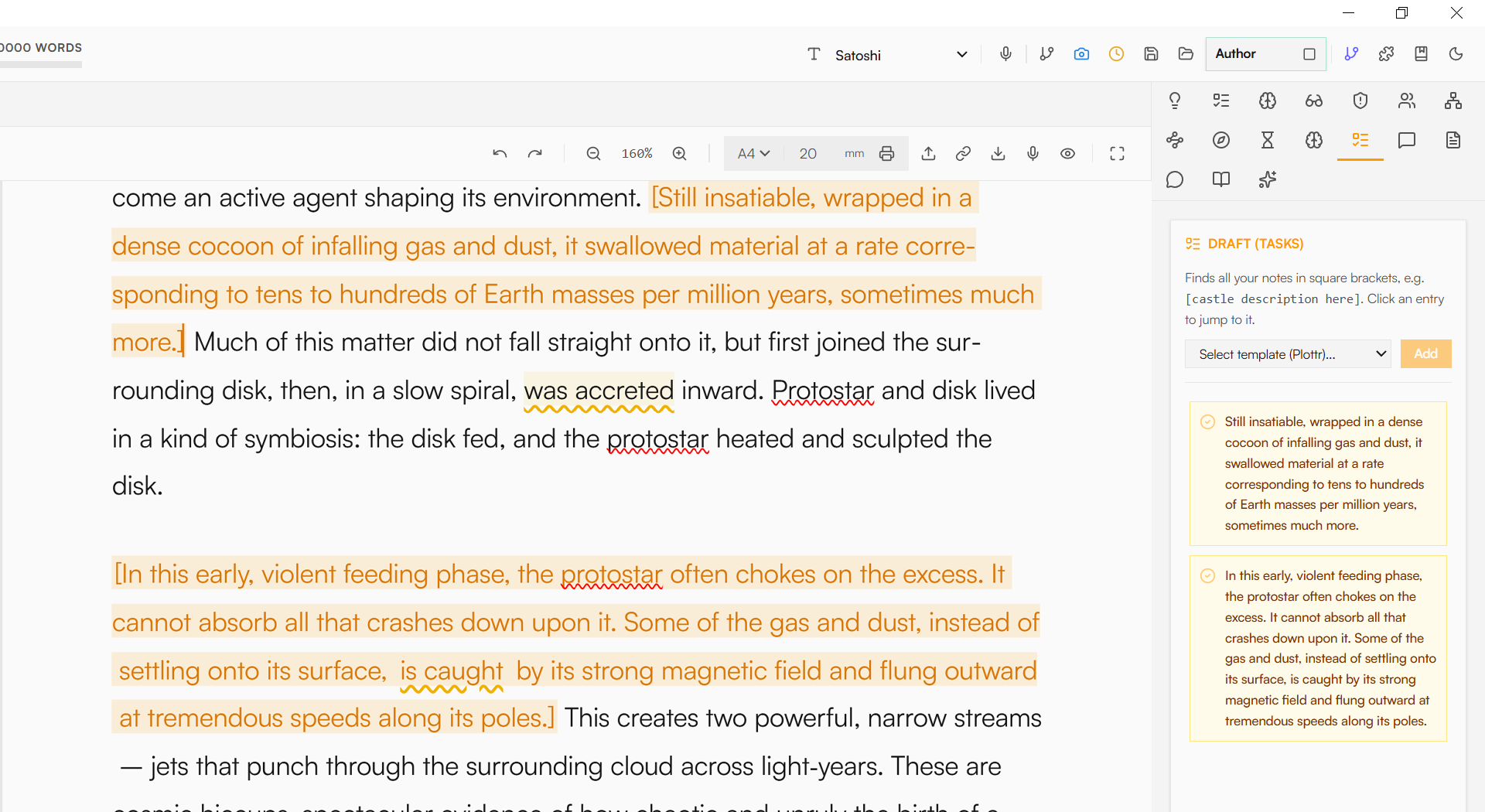
Annotations while working
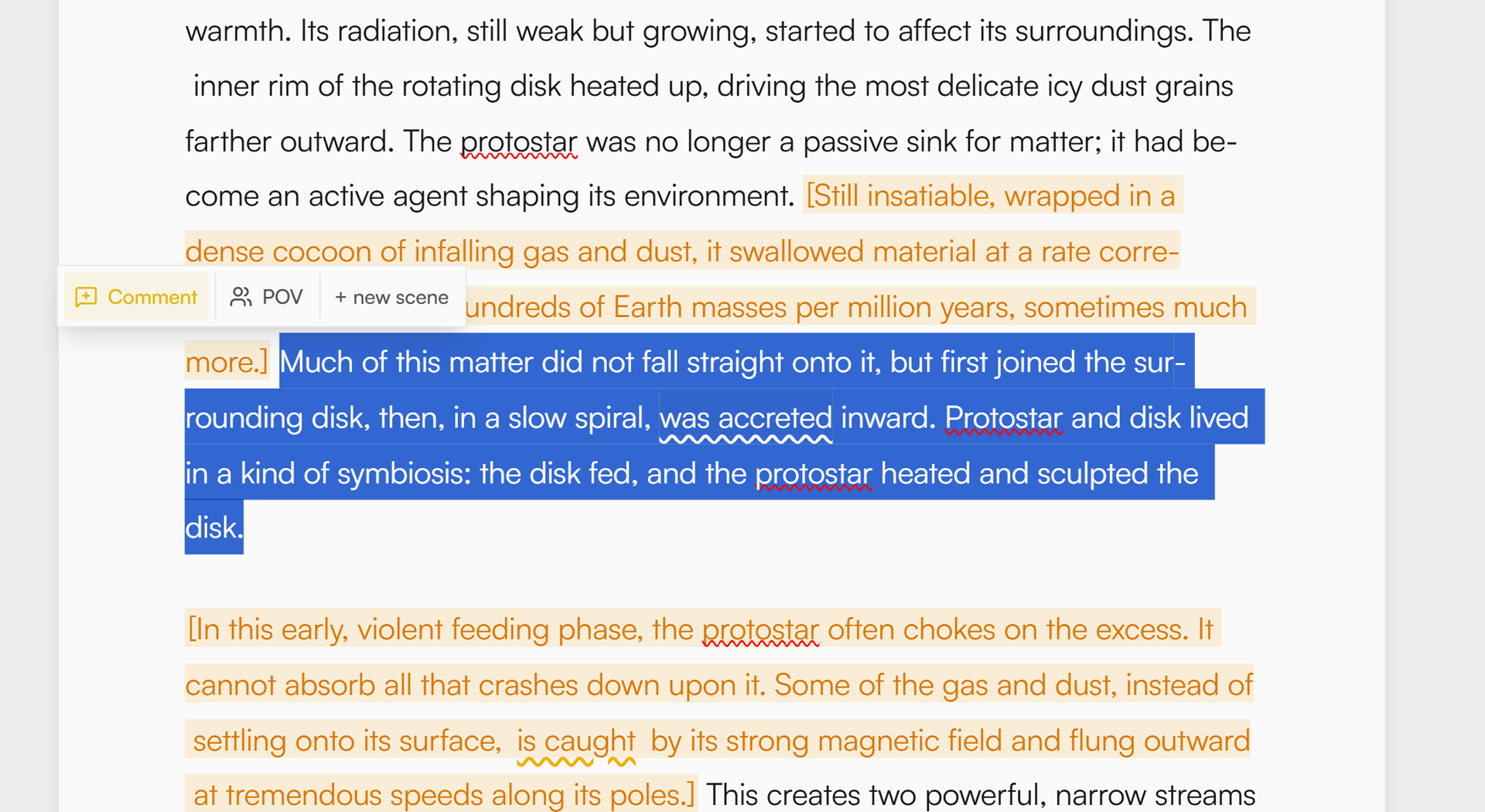
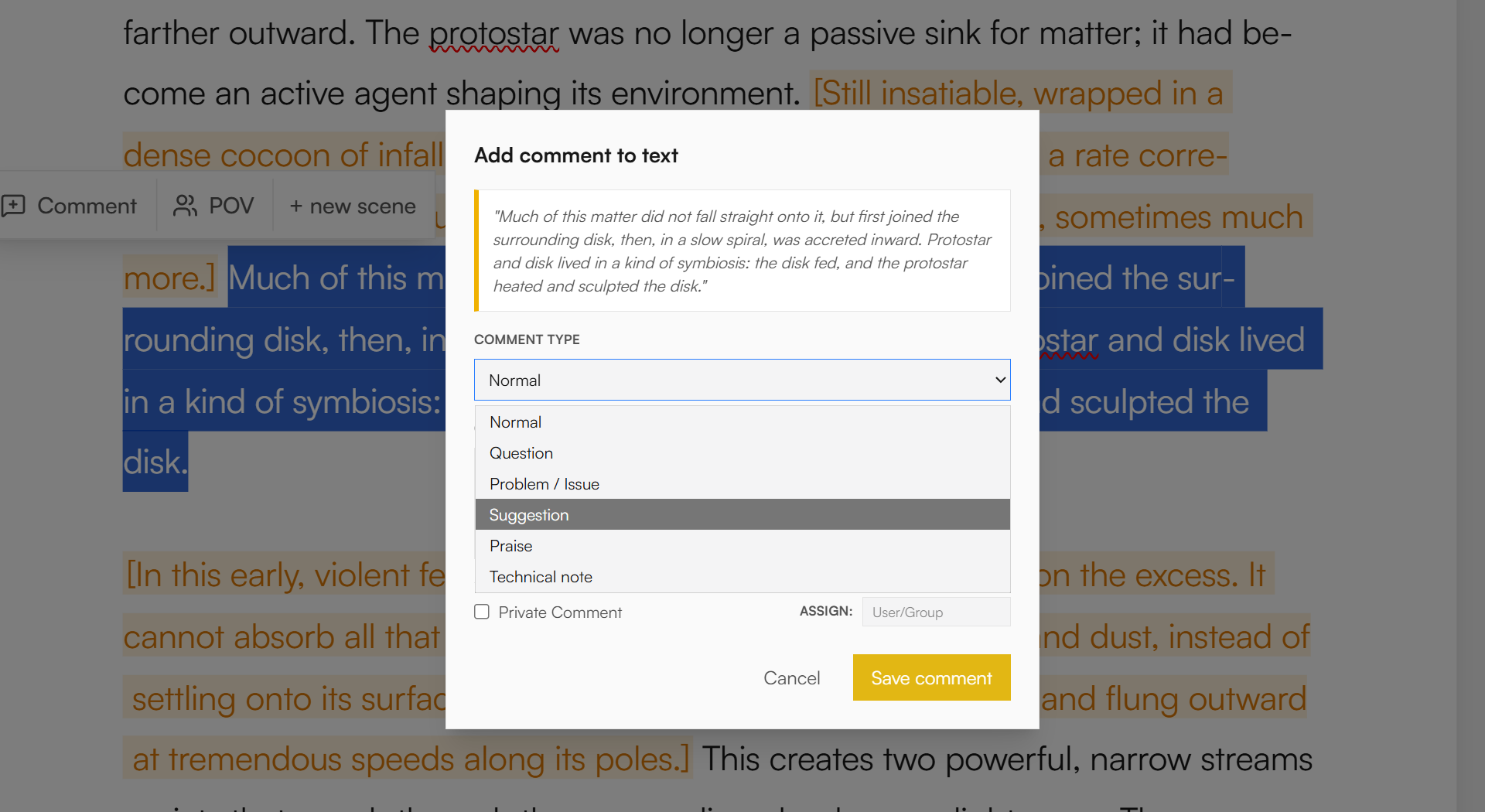
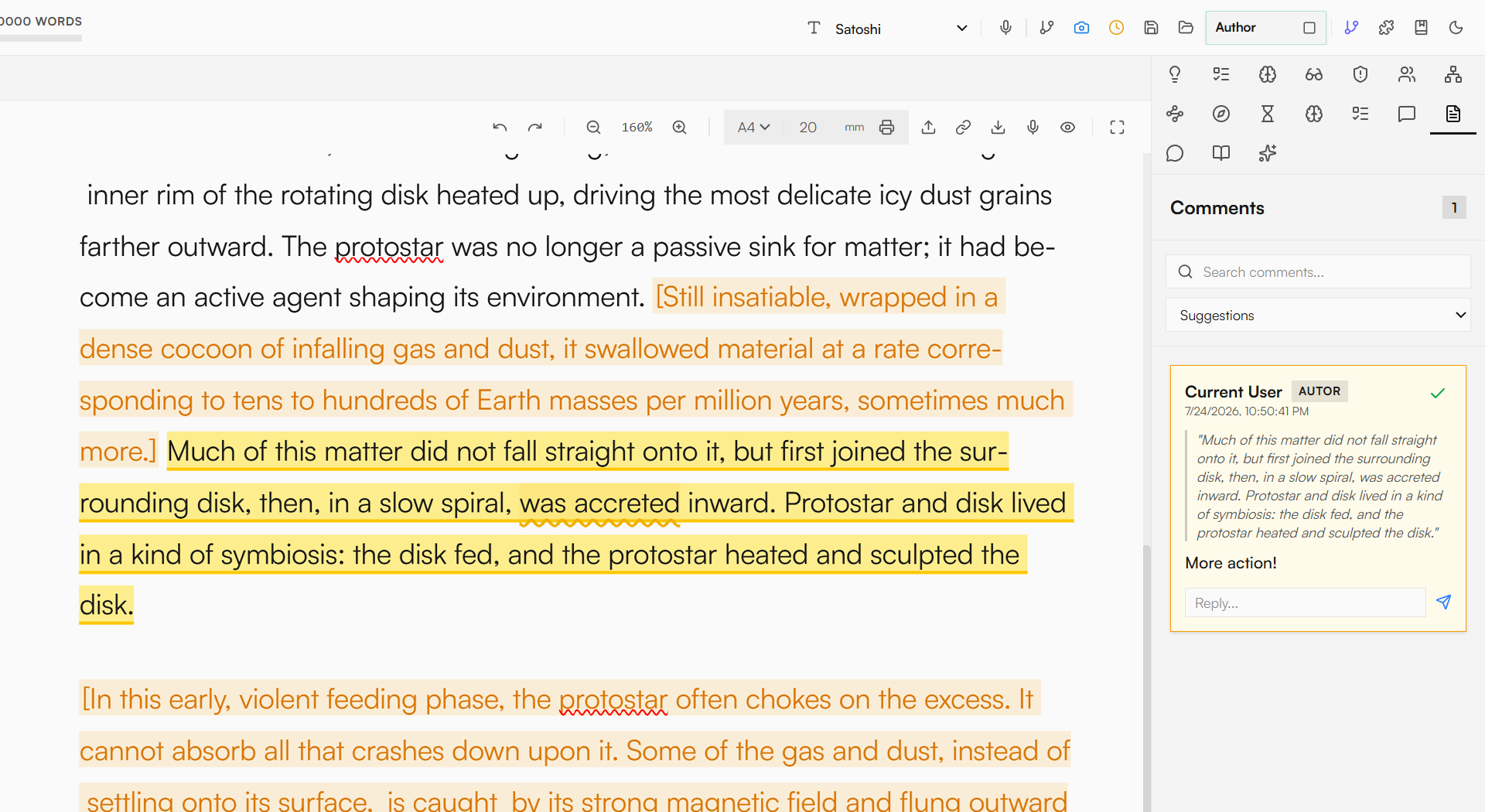
Maybe sometimes, when you write spontaneously, comments become a natural extension of the scratchpad. They let you leave notes next to the text, like [check character's motivation] or [add scene earlier], without interfering with the scene's content itself. Select a fragment, add a comment (like in office editors), and later you can return to it, reply to yourself, or mark threads as resolved once the correction makes it into the text.
News / Devlog
Extraordinary error analysis
Errors you stop seeing
At some point in working on a text, the author stops seeing their own mistakes. Not because they are inattentive, but because the brain begins to read [intention], not the actual words on the screen. Where it says "try" (wrong form), we see "trial" (correct form). Where sentence logic breaks, we fill in the meaning from memory. This is normal, and this is exactly where extraordinary context analysis steps in.
Instead of just another spell check, Skryptor scans the text chapter by chapter, reading sentences in full context, not just as a sequence of characters. The result? It catches errors that classic proofreading tools often let through because they are formally correct but don't fit the meaning.
Errors that slip through proofreading
The most interesting situations are those where the error isn't an obvious typo, but a slight shift in form that radically changes the meaning or breaks logic.
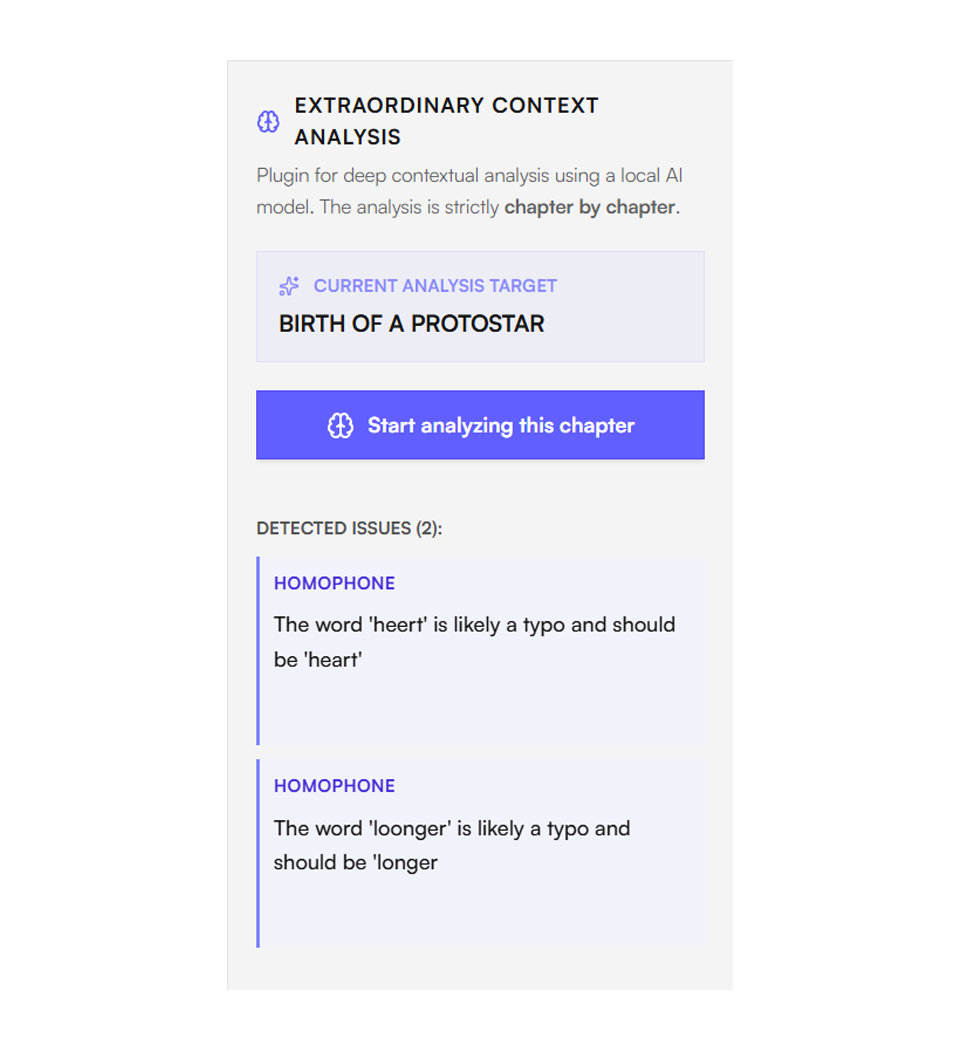
- [Her silence was answer] instead of [an answer]. A missing article or wrong case ending that quickly disappears from the author's sight but is a jarring note for the reader that is hard to ignore.
- [I don't want to wait for you] vs [He doesn't want to wait for you], a single letter difference and suddenly instead of a character's declaration we get a description that can be read as a narrator's error. The context (first-person statement) clearly indicates what the form should be, but a tired author and a traditional spellchecker will easily let it pass.